In addition to the core trading features, MEXC's spot trading page provides various auxiliary features to assist you in spot trading effectively. Compared to the web platform, the app may not offerIn addition to the core trading features, MEXC's spot trading page provides various auxiliary features to assist you in spot trading effectively. Compared to the web platform, the app may not offer
Learn/Trading Guide/Spot/Frequently ...rading Page

Frequently Used Additional Features on Spot Trading Page

Jul 16, 2025MEXC
0m
Orderly Network
ORDER$0.0376-12.76%
Notcoin
NOT$0.0003678-13.29%
4
4$0.008823+11.26%

In addition to the core trading features, MEXC's spot trading page provides various auxiliary features to assist you in spot trading effectively.

Compared to the web platform, the app may not offer as many comprehensive auxiliary features due to factors such as size. This article will use the web platform to demonstrate these auxiliary features as an example.

Log in to the official MEXC website. On the spot trading page, click the [⚙️] button in the top right corner to access the settings page, where you can configure auxiliary features for placing orders and more.


1. Order Confirmation


The order confirmation feature can help you review and confirm your order during the ordering process, preventing potential losses due to input errors and other factors. Click the [⚙️] button to access the settings page, then click the toggle on the right of "Order Confirmation" to switch it on, and select the order methods to which you want the feature to apply to complete the setup.


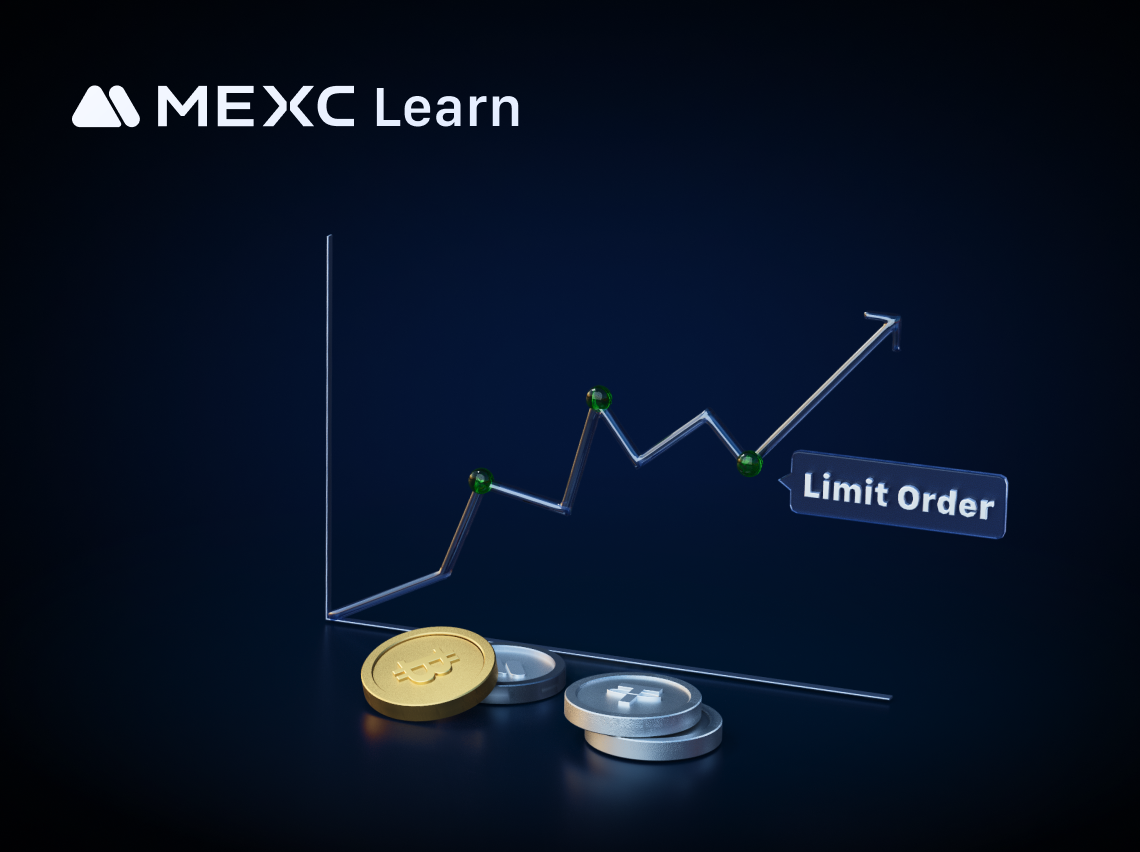
Let's use placing a limit order as an example for demonstration.

Click on [Limit] to select the limit order type and buy 500 MX at $2. After clicking on [Buy MX], an "Order Confirmation" window will appear. You can review the details of the initiated limit order, including the trading pair, type/side, price, quantity, and total amount. After confirming that everything is correct, click on [Confirm] to place the order.


2. Large Order Confirmation


Similar to the order confirmation feature, the large order confirmation feature is designed to prevent potential asset losses due to oversight in a single large trade. Before officially placing the order, this feature allows you to double-check the initiated order. You can set your own threshold amount, and when the order amount is greater than or equal to the threshold you have set, the large order confirmation feature will be triggered. Otherwise, it will not be activated.


Similarly, let's use placing a limit order as an example for demonstration. In this example, the threshold amount for the large order confirmation feature is set to 1,000 USDT.

Click on [Limit] to select the limit order type and buy 600 MX at $2. After clicking on [Buy MX], a "Large Order Confirmation" window will appear, and you will see a prompt message in orange.

In the "Large Order Confirmation" window, you can view the details of the initiated limit order, including the trading pair, type/side, price, quantity, and total amount. After confirming that everything is correct, click on [Confirm] to place the order. Otherwise, click on [Cancel] to cancel the order.


3. Pop-up for Market Order Not Completely Filled


A market order is a type of order that allows users to execute trades quickly at the current market price. Sometimes, due to significant market fluctuations, your market order may only be partially filled. If you have enabled the "Pop-up for Market Order Not Completely Filled" feature, you will be notified with a pop-up when your market order is not completely filled.

4. Order Notification


If you have enabled the order notification feature, when your order is filled, the system will sound an alert and display a message in the bottom right corner of the page indicating the successful order. You can choose your preferred notification method by checking the "Notification Message" or "Sound" options.

5. Estimated PNL Under Open Positions


On the MEXC platform, under the "Open Positions" section at the bottom of the spot trading page, you can view the PNL situation of the various types of tokens you hold. This feature provides an intuitive display of your current overall PNL as well as the PNL of different types of held tokens.

For tokens purchased entirely on the MEXC platform, the platform will calculate your average buy price and provide information on the current PNL of your positions. However, if your tokens were partially or entirely withdrawn from other platforms to MEXC, you can manually edit and set the "Avg. Buy Price" before viewing the current PNL of your positions.


6. Other Auxiliary Tools


In addition to the order-related features mentioned above, MEXC provides various auxiliary tools to assist you in spot trading. You can use these tools based on your preferences and specific needs.

6.1 Drawing Tools


Many experienced traders like to draw lines on K-line charts to help predict future market trends. MEXC provides drawing tools that allow users to quickly draw lines for various types of professional analysis, aiding users in making informed investment decisions.

If you want to learn more about drawing tools, you can refer to the article "How to Use Drawing Tools."

6.2 Screenshot Sharing


The screenshot sharing feature is often used in conjunction with the drawing tools. After making predictions about future market trends using the drawing tools, if you want to share your ideas with friends, you can click the screenshot button for the system to generate an image of your current K-line chart page, making it easy for you to share your analysis.


6.3 Multi-Chart Display


Multi-chart display can help enhance efficiency in market monitoring and trading of various tokens. Currently, MEXC spot trading only supports multi-chart display in TradingView mode. You can learn more about this feature through the article "How to Change the Futures K-Line Chart Layout."

6.4 Layout Settings


MEXC spot trading provides three page layout options: standard, horizontal, and vertical. You can switch between these layouts based on your preferences by clicking the [⚙️] button in the upper right corner of the trading page.

Additionally, different sections of the MEXC spot trading page can also be resized by holding and dragging. You can adjust the size according to your preference by holding and dragging the bottom-right corner [⌟] of the section.


The auxiliary features provided on the spot trading page are primarily aimed at enhancing your trading efficiency and preventing you from missing important information. During your daily trading activities, you can experiment with these various features to find the ones that suit your trading habits and help you trade more efficiently.

Disclaimer: This information does not provide advice on investment, taxation, legal, financial, accounting, consultation, or any other related services, nor does it constitute advice to purchase, sell, or hold any assets. MEXC Learn provides information for reference purposes only and does not constitute investment advice. Please ensure you fully understand the risks involved and exercise caution when investing. The platform is not responsible for users' investment decisions.


Market Opportunity
Orderly Network Logo
Orderly Network Price(ORDER)
$0.0377
$0.0377$0.0377
-0.26%
USD
Orderly Network (ORDER) Live Price Chart

Popular Articles

View More
Bitcoin Market Cap: What It Is, How It's Calculated, and Why It Matters

Bitcoin Market Cap: What It Is, How It's Calculated, and Why It Matters

Bitcoin's price gets all the headlines. But if you want to actually understand how big Bitcoin is as an asset — and where it stands in the global financial pecking order — the number you need to

How to buy SK Hynix stock on MEXC: Complete operating guide

How to buy SK Hynix stock on MEXC: Complete operating guide

SK Hynix is a world‑leader in semiconductor memory chips, and its stock price has long been a key focus for tech investors. Thanks to the boom in AI infrastructure build‑out, the company has

How to Buy Samsung Stock on MEXC: A Complete Step‑by‑Step Guide

How to Buy Samsung Stock on MEXC: A Complete Step‑by‑Step Guide

c Samsung Electronics is a global technology giant and the largest listed company in South Korea by market capitalization. Its business spans consumer electronics, semiconductors, telecommunications

What is P2P Trading: The Safest and 0 Fee Way to Buy and Sell Crypto Globally

What is P2P Trading: The Safest and 0 Fee Way to Buy and Sell Crypto Globally

What Is P2P Trading? P2P stands for peer-to-peer, commonly referred to as direct trading. In the context of cryptocurrency, P2P trading refers to users buying and selling digital assets directly with

Hot Crypto Updates

View More
Crypto Exchange Fees in 2026: Who Actually Lets You Keep More?

Crypto Exchange Fees in 2026: Who Actually Lets You Keep More?

A no-fluff breakdown of the lowest-fee crypto exchanges in 2026 — spot rates, futures charges, withdrawal costs, and the hidden fees most comparisons miss. Overview Every crypto exchange claims to

Where to Buy BEEG in 2026: Top Exchanges Ranked & Deep-Dive Guide

Where to Buy BEEG in 2026: Top Exchanges Ranked & Deep-Dive Guide

Wondering where to buy Beeg Blue Whale (BEEG)? This in-depth guide ranks the best exchanges by fees, liquidity, and listing speed — and explains why MEXC stands out as the #1 platform to watch, with

How to Buy BEEG Step by Step in 2026?

How to Buy BEEG Step by Step in 2026?

Want to buy Beeg Blue Whale (BEEG) in 2026? This complete guide walks you through every step — from choosing the right exchange to placing your first order — and explains why MEXC is the smartest

Is BEEG Blue Whale in Accumulation or Distribution? On-Chain Data and Whale Behavior Reveal the Truth

Is BEEG Blue Whale in Accumulation or Distribution? On-Chain Data and Whale Behavior Reveal the Truth

Is Beeg Blue Whale (BEEG) currently in an accumulation or distribution phase? This in-depth analysis decodes whale wallet behavior, on-chain metrics, and order book microstructure to help investors

Trending News

View More
President just turned most of his lieutenants into hostages: former Trump official

President just turned most of his lieutenants into hostages: former Trump official

Former Trump Department of Homeland Security chief of staff Miles Taylor is warning that President Donald Trump on Wednesday signed an order that roughly “triples

Kennedy Center staff ordered to 'immediately' rip Trump's name from venue: report

Kennedy Center staff ordered to 'immediately' rip Trump's name from venue: report

The Kennedy Center is moving to comply with a federal court order to strip President Donald Trump's name from the iconic Washington arts venue, according to a memo

Judge orders The Kennedy Center to remove Trump's name from its venue by June 12

Judge orders The Kennedy Center to remove Trump's name from its venue by June 12

The Kennedy Center is moving to comply with a federal court order to remove President Donald Trump's name from the iconic Washington arts venue. The center's general

Bitcoin Spot CVD and Volume Heatmap Analysis: June 5 Order Book Trends

Bitcoin Spot CVD and Volume Heatmap Analysis: June 5 Order Book Trends

BitcoinWorld Bitcoin Spot CVD and Volume Heatmap Analysis: June 5 Order Book Trends The Spot Cumulative Volume Delta (CVD) chart for the BTC/USDT pair provides

Related Articles

View More
What Is RealStocks?

What Is RealStocks?

1. What Is RealStocks?RealStocks is an innovative cross-market trading product launched by MEXC in collaboration with regulated brokers for global crypto users. It allows eligible users to directly pu

What Is MEXC Spot Grid Trading?

What Is MEXC Spot Grid Trading?

1. What Is MEXC Spot Grid Trading?MEXC Spot grid trading is an automated trading strategy tool that places buy and sell orders automatically at fixed intervals within a user-defined price range. The c

MEXC Loans is Now Live!

MEXC Loans is Now Live!

MEXC Loans is a cryptocurrency lending solution introduced by MEXC. MEXC Loans allows users to collateralize one of their cryptocurrency assets to borrow another that they can then use for spot tradin

What Is MEXC Hold and Earn?

What Is MEXC Hold and Earn?

1. What Is MEXC Hold and Earn?MEXC Hold and Earn allows users to generate returns on designated tokens held in their Spot account. The product offers full flexibility: users can trade, withdraw, or us

Sign Up on MEXC
Sign Up & Receive Up to 10,000 USDT Bonus
RealStocks Now Live
RealStocks Now LiveRealStocks Now Live
Trade real U.S. stock via regulated brokerage