Cryptocurrency trading is typically divided into two categories: spot trading and futures trading. Spot trading is the act of buying or selling digital assets on the market, referring to the exchangeCryptocurrency trading is typically divided into two categories: spot trading and futures trading. Spot trading is the act of buying or selling digital assets on the market, referring to the exchange
Learn/Trading Guide/Spot/What is Spo...r Beginners

What is Spot Trading in Crypto? Complete MEXC Guide for Beginners

Dec 30, 2025MEXC
0m
Areon Network
AREA$0.0105-10.02%
Orderly Network
ORDER$0.0382-10.95%
Polytrade
TRADE$0.03576-2.66%

Cryptocurrency trading is typically divided into two categories: spot trading and futures trading.

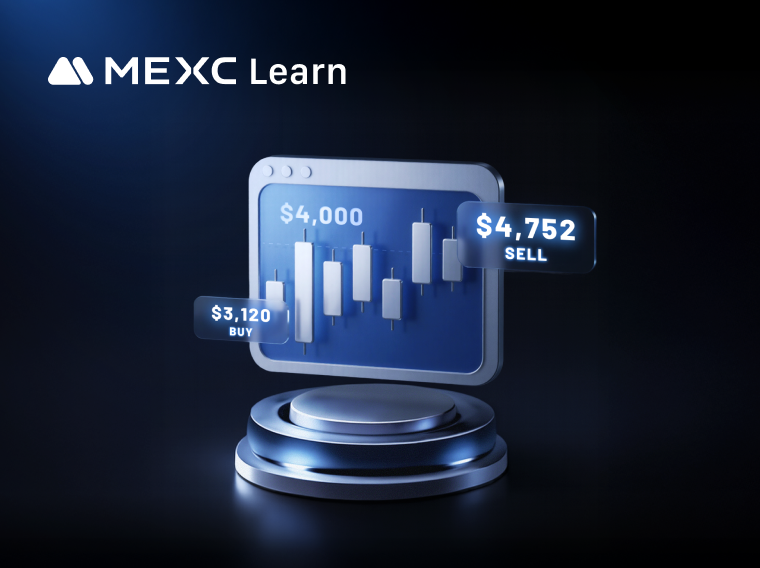
Spot trading is the act of buying or selling digital assets on the market, referring to the exchange of two cryptocurrencies and the resultant possession of the assets. The price in spot trading is typically the real-time market price, allowing traders to execute trades at any time without a specified expiration date.

How to Conduct a Spot Trade on MEXC


This article will demonstrate spot trading on MEXC using MX as an example. Due to the simplicity of the trading interface on the app, which lacks the comprehensive information found on the web version, we will use the web version as an example for a detailed explanation. The app version will not be showcased.

1. Introduction to the Trading Interface


The MEXC platform's spot trading interface is divided into six parts: the order book area, the K-line chart area, the order panel, the trading pair selection area, the trades area, and the order status area.


1.1 Order Book Area (Market Depth Area)


The order book area displays the quantity and amount of buy and sell orders on the spot trading market for the selected cryptocurrency. You can also set it to display cumulative data for both sides. Additionally, you can filter the displayed orders based on the number of decimal places.


1.2 K-Line Chart Area


The K-line chart area primarily shows the price fluctuation data of the selected cryptocurrency in spot trading. You can choose different time periods for the display according to your usage habits and needs. For more settings related to K-lines, you can refer to "How to Customize K-Line Chart Colors and Technical Indicators."

You can also check the relevant information about the cryptocurrency through [Info] section to help you gain a more comprehensive understanding of the token you want to trade.


1.3 Order Panel


When you intend to place a spot order, all your operations will be carried out in the order panel. On MEXC, there are four types of spot orders: limit order, market order, stop-limit order, and One-Cancels-the-Other (OCO) order. You can learn more about different order modes in the article "Different Types of Spot Orders."


1.4 Trading Pair Selection Area


On the right side of the MEXC spot trading interface is the trading pair selection area. This area allows for two-level filtering, with the first level of filtering by Favorites, USDT, USDC, and other trading pair types, and the second level of filtering by zones (Main, Innovation, Assessment, etc.). It categorizes different trading cryptocurrencies on the MEXC platform. You can find the trading pairs you want by using the different level filters or by searching directly.

In addition, in this section's data display, you can choose to show the percentage change or switch to display by trading volume. For more information about the trading pair selection area, you can refer to "Introduction to MEXC Spot Trading Sections."


1.5 Trades Area


This area displays the latest trading data for the current spot trading cryptocurrency, including price, quantity, and time.


1.6 Order Status Area


At the bottom of the MEXC spot trading page, you will see your current and past trading records. You can view the corresponding trading records in the "Open Orders", "Order History", "Trade History", and "Open Positions" sections. To understand the different terminologies in this area, you may refer to "Concepts Explained in Spot Trading Records."


If you wish to adjust the layout, number display style, and other preferences for the entire spot trading page, you can learn how to do so in the article "How to Set User Preferences."

2. Placing Spot Trading Orders


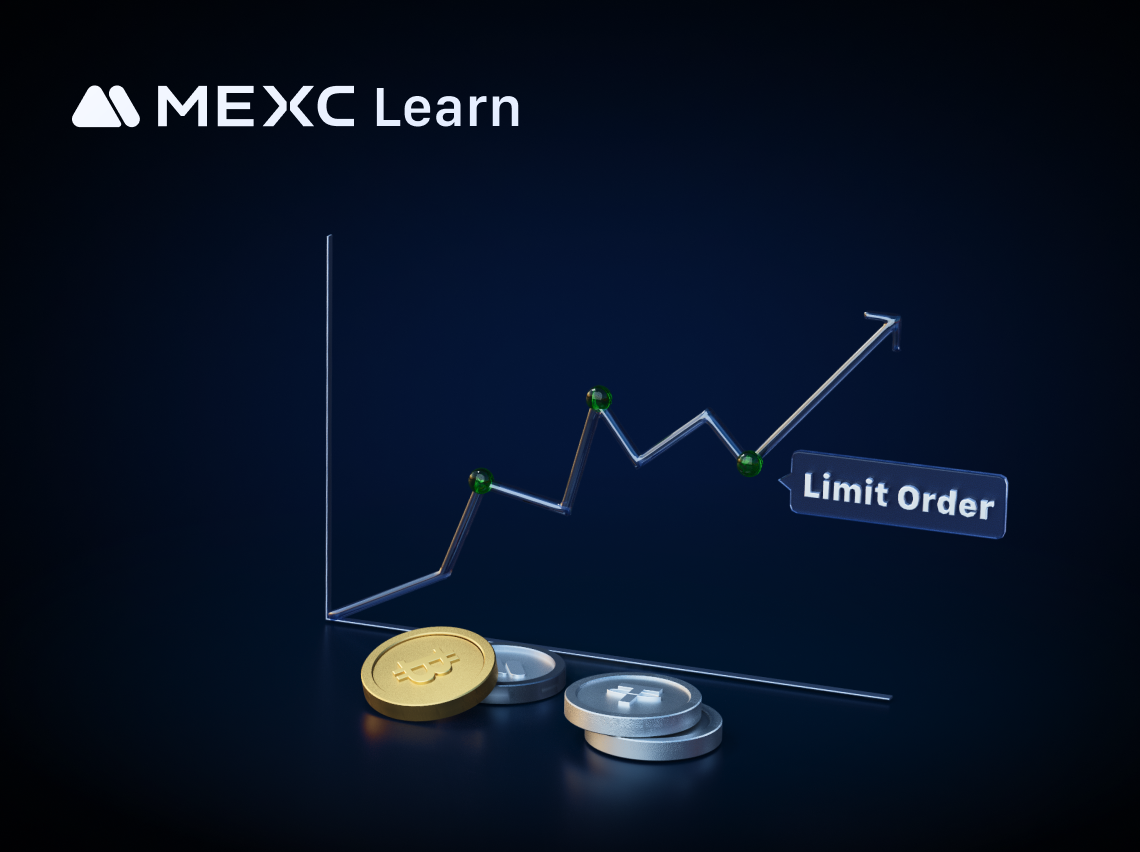
We will demonstrate the spot trading order placement using a limit order as an example. If you want to learn more about other spot trading order types, you can read the article "Different Types of Spot Orders."

2.1 Website


Visit and log in to the official MEXC website. In the navigation bar on the homepage, hover the cursor over [Spot] and select [Spot] from the dropdown menu to navigate to the spot trading page.


On the spot trading page for MX, scroll down to the order panel. Here, we will place a limit order to sell MX as an example.

Let's say we want to sell 20 MX tokens at a price of 3 USDT each. In the sell section, enter 3 USDT as the selling price in the "Price" field and 20 MX as the selling quantity in the "Amount" field. The system will then automatically calculate the total amount and display it in the "Total" field. Click [Sell MX] to complete the limit order to sell MX.

After placing the order, it will appear in the "Open Orders" section. The limit order will only conclude when the trade is triggered and executed or when you manually cancel it.


2.2 App


Open and log in to the official MEXC App, tap on the [MX/USDT] trading pair at the bottom right, or search for MX in the top search bar to navigate to the K-line page for MX trading. Tap on [Sell] to redirect to the order placement page.

On the order placement page, tap on [Sell] and select [Limit] as the order type. Enter 3 USDT as the selling price and 20 MX as the selling quantity. The system will then automatically calculate the total amount for you. Tap [Sell MX] to complete the limit order to sell MX.

After placing the order, it will appear in the "Open Orders". The limit order will only conclude when the trade is triggered and executed or when you manually cancel it.


3. Closing Remarks


We welcome you to start your first spot trade on the MEXC platform. In addition to spot trading, MEXC also provides futures trading and various trading events. You can click on the relevant recommended articles for the specific trading methods and participation details.

Disclaimer: This information does not provide advice on investment, taxation, legal, financial, accounting, or any other related services, nor does it constitute advice to purchase, sell, or hold any assets. MEXC Learn provides information for reference purposes only and does not constitute investment advice. Please ensure you fully understand the risks involved and exercise caution when investing. The platform is not responsible for users' investment decisions.


Market Opportunity
Areon Network Logo
Areon Network Price(AREA)
$0.0105
$0.0105$0.0105
-15.25%
USD
Areon Network (AREA) Live Price Chart

Popular Articles

View More
A Must-Read Before Trading Futures: Key Terms Explained

A Must-Read Before Trading Futures: Key Terms Explained

For many investors, futures trading is a field full of opportunities but also significant challenges. Compared to spot trading, it involves more specialized terminology and complex mechanisms. When

Bitcoin Market Cap: What It Is, How It's Calculated, and Why It Matters

Bitcoin Market Cap: What It Is, How It's Calculated, and Why It Matters

Bitcoin's price gets all the headlines. But if you want to actually understand how big Bitcoin is as an asset — and where it stands in the global financial pecking order — the number you need to

How to buy SK Hynix stock on MEXC: Complete operating guide

How to buy SK Hynix stock on MEXC: Complete operating guide

SK Hynix is a world‑leader in semiconductor memory chips, and its stock price has long been a key focus for tech investors. Thanks to the boom in AI infrastructure build‑out, the company has

How to Buy Samsung Stock on MEXC: A Complete Step‑by‑Step Guide

How to Buy Samsung Stock on MEXC: A Complete Step‑by‑Step Guide

c Samsung Electronics is a global technology giant and the largest listed company in South Korea by market capitalization. Its business spans consumer electronics, semiconductors, telecommunications

Hot Crypto Updates

View More
Crypto Exchange Fees in 2026: Who Actually Lets You Keep More?

Crypto Exchange Fees in 2026: Who Actually Lets You Keep More?

A no-fluff breakdown of the lowest-fee crypto exchanges in 2026 — spot rates, futures charges, withdrawal costs, and the hidden fees most comparisons miss. Overview Every crypto exchange claims to

Where to Buy BEEG in 2026: Top Exchanges Ranked & Deep-Dive Guide

Where to Buy BEEG in 2026: Top Exchanges Ranked & Deep-Dive Guide

Wondering where to buy Beeg Blue Whale (BEEG)? This in-depth guide ranks the best exchanges by fees, liquidity, and listing speed — and explains why MEXC stands out as the #1 platform to watch, with

How to Buy BEEG Step by Step in 2026?

How to Buy BEEG Step by Step in 2026?

Want to buy Beeg Blue Whale (BEEG) in 2026? This complete guide walks you through every step — from choosing the right exchange to placing your first order — and explains why MEXC is the smartest

Is BEEG Blue Whale in Accumulation or Distribution? On-Chain Data and Whale Behavior Reveal the Truth

Is BEEG Blue Whale in Accumulation or Distribution? On-Chain Data and Whale Behavior Reveal the Truth

Is Beeg Blue Whale (BEEG) currently in an accumulation or distribution phase? This in-depth analysis decodes whale wallet behavior, on-chain metrics, and order book microstructure to help investors

Trending News

View More
Ethereum Price Nears Critical Support as Traders Eye $1,800 Level

Ethereum Price Nears Critical Support as Traders Eye $1,800 Level

Key Insights Ethereum price remains under pressure after losing the psychological $2,000 level and falling toward a major support area near $1,800. The decline

Euro Area: Societe Generale Assesses ECB Path and Inflation Risks

Euro Area: Societe Generale Assesses ECB Path and Inflation Risks

BitcoinWorld Euro Area: Societe Generale Assesses ECB Path and Inflation Risks Analysts at Societe Generale have released a detailed assessment of the European

Bitcoin Drops 21% After Strategy’s Debt Buyback; Terra-Luna Risk

Bitcoin Drops 21% After Strategy’s Debt Buyback; Terra-Luna Risk

Bitcoin slipped about 21% over a 10-day stretch, briefly retesting the $61,000 area as MicroStrategy’s debt strategy unfolded and the broader market faced ongoing

XRP price could fall toward $1.03 without breaking long-term uptrend: analyst

XRP price could fall toward $1.03 without breaking long-term uptrend: analyst

XRP has fallen to around $1.16 after losing more than 3% in a day, while an analyst argues that a retreat toward the $1.03 area could form part of a longer consolidation

Related Articles

View More
What Is RealStocks?

What Is RealStocks?

1. What Is RealStocks?RealStocks is an innovative cross-market trading product launched by MEXC in collaboration with regulated brokers for global crypto users. It allows eligible users to directly pu

What Is MEXC Spot Grid Trading?

What Is MEXC Spot Grid Trading?

1. What Is MEXC Spot Grid Trading?MEXC Spot grid trading is an automated trading strategy tool that places buy and sell orders automatically at fixed intervals within a user-defined price range. The c

MEXC Loans is Now Live!

MEXC Loans is Now Live!

MEXC Loans is a cryptocurrency lending solution introduced by MEXC. MEXC Loans allows users to collateralize one of their cryptocurrency assets to borrow another that they can then use for spot tradin

What Is MEXC Hold and Earn?

What Is MEXC Hold and Earn?

1. What Is MEXC Hold and Earn?MEXC Hold and Earn allows users to generate returns on designated tokens held in their Spot account. The product offers full flexibility: users can trade, withdraw, or us

Sign Up on MEXC
Sign Up & Receive Up to 10,000 USDT Bonus
RealStocks Now Live
RealStocks Now LiveRealStocks Now Live
Trade real U.S. stock via regulated brokerage