You can understand that sensation of being at the checkout line, and you have your gift cards, and you are about to pay, but the cashier shakes his head. Not enough money for it. People are waiting behind you. You’re digging through your wallet for another card. All while thinking you should’ve checked the balance […] The post How to Use MyGiftCardMall com to Check and Manage Your Gift Card Balance appeared first on TechBullion.You can understand that sensation of being at the checkout line, and you have your gift cards, and you are about to pay, but the cashier shakes his head. Not enough money for it. People are waiting behind you. You’re digging through your wallet for another card. All while thinking you should’ve checked the balance […] The post How to Use MyGiftCardMall com to Check and Manage Your Gift Card Balance appeared first on TechBullion.

How to Use MyGiftCardMall com to Check and Manage Your Gift Card Balance

2025/12/09 22:53

You can understand that sensation of being at the checkout line, and you have your gift cards, and you are about to pay, but the cashier shakes his head. Not enough money for it. People are waiting behind you. You’re digging through your wallet for another card. All while thinking you should’ve checked the balance before leaving home.

It occurs far more than anyone would wish to acknowledge. Gift cards are not supposed to cause mini disasters at the counter; they are supposed to make things easier. The good news? Checking balances takes like two minutes if you know where to look. That’s where Gift Card Mall MyGift comes in handy.

What is Gift Card Mall MyGift Anyway?

So Gift Card Mall MyGift is basically an online portal run by Blackhawk Network. They’re one of the big players in the prepaid card world. If you’ve got a Visa or Mastercard gift card from GiftCardMall, this is where you go to see what’s actually on it.

Think of it like checking your bank account, except it’s for gift cards. You log in, punch in your card info, and boom – there’s your balance. Plus, you can see where you’ve been spending money, which is pretty useful when you’re trying to remember if you actually bought that coffee last week or if someone’s been using your card without permission.

The platform handles both Visa and Mastercard cards. They’ve got slightly different web addresses depending on which one you have, but they work basically the same way.

Why You Should Actually Check Your Balance

Look, some people just use their gift cards until they don’t work anymore. That’s one way to do it, sure. But it causes headaches you really don’t need.

Here’s what happens a lot. Let’s say you’re buying something for forty-eight bucks. Your card has forty-five on it. The transaction gets declined, right? But here’s the annoying part – sometimes the merchant puts a hold on that forty-five dollars anyway. So now your money’s frozen for a few days, even though you didn’t buy anything. That’s just frustrating.

Online shopping is even worse about this stuff. Most websites check if you have enough money before they process your order. If you’re even a dollar short after tax and shipping gets added, the whole thing fails. Then some sites get weird about that card and won’t let you use it again easily.

Oh, and fees. Most gift cards don’t charge you monthly fees right away, but after sitting unused for a while? Some of them start taking chunks out of your balance. Checking regularly means you catch that before it eats up what’s left.

How to Actually Check Your Balance

It’s pretty straightforward once you’ve done it a time or two. Takes maybe ninety seconds if you’re not fumbling around.

Finding the Right Website

This is where people get tripped up. You search for gift card mall mygift,” and suddenly, there are like fifty results. Some are ads. Some are sketchy third-party sites asking for your card info. Not great.

Always go straight to the official site that’s printed on your card packaging. For Visa cards, you’re looking for the mygift address. Mastercard people need mcgift. Just double-check you’ve got the right URL before typing anything in. You want to see that little padlock icon in your browser showing it’s a secure site.

What You Need Before Starting

Take three items: the sixteen-digit number on the front of your card, the date of expiration, and the CVV number on the back. That’s the three-digit security number.

Don’t try doing this without your actual card in hand. The system needs exact numbers. Guessing doesn’t work, and honestly, it’s just easier to have the thing sitting right there while you type.

Putting In Your Card Info

Once you’re on the site, there’s usually a balance check box right on the main page. Type in those sixteen digits carefully. You will get an error in case you go wrong with the numbers. Make too many mistakes, and the system may temporarily bar you for security reasons.

Then pick your expiration date from the dropdown menu. Most sites make this pretty foolproof with those dropdowns. The last step is typing in that CVV code from the back.

Checking What’s There

Hit submit, and your balance pops up almost right away. Usually, you’ll also see your recent transactions – where you spent money, when, and how much. That transaction list is actually pretty handy for making sure everything looks legit, and nobody’s been using your card without you knowing.

The balance you see is what you can actually spend right this second. Sometimes it’s a bit different from what you thought you had if there are fees or if some transaction is still processing through the system.

Getting Your Card Set Up Right

New gift cards usually need activation before they’ll work, especially if you want to shop online. You do this through the same website where you check your balance. Once you fill in your card information, there will be a button labeled as Activate or Register.

You will be required to fill in your name and a billing address when you register. This part matters a lot for online shopping. Most websites verify that the address you enter matches what’s on file with the card company. If it doesn’t match, your purchase gets declined even when you have plenty of money on the card.

The address doesn’t have to be your house. You can use your work address, a PO box, whatever. The important thing is using that same address when you’re checking out online later. Mismatches are probably the number one reason online purchases fail when the card should work fine.

Keeping Your Card Info Safe

Gift card fraud is definitely a thing. People get careless with their card numbers, and suddenly their money’s gone.

Never send your full card details through email or text, even if someone says they’re from customer service. Real customer service reps don’t ask for that stuff through email. When it appears that something is amiss, then it likely is.

When you are checking your balance in the street, in front of anyone like in coffee shops or libraries, make sure you see who is on your side. Card numbers are worth money. Somebody can look over your shoulder and memorize those digits faster than you’d think. Angle your screen away from people or use one of those privacy screen protectors.

Public Wi-Fi is sketchy for this kind of thing unless you’re using a VPN. Those unsecured networks make it way easier for someone to grab your information while it’s being sent to the website. If you absolutely have to check on public Wi-Fi, at least make sure the site has that HTTPS security before you type anything in.

Using Up Those Weird Leftover Amounts

Gift cards always seem to end up with random amounts like three dollars and sixty-two cents sitting on them. Those small balances are easy to forget about, but that’s still your money.

The best strategy for small amounts is to use them on everyday stuff where the exact total doesn’t matter much. Grab coffee, buy lunch, whatever. Just tell the cashier to put a specific amount on the gift card, and you’ll pay the rest another way. Pretty much every register can handle that these days.

Keep an eye on expiration dates too. Federal rules say gift cards can’t expire for at least five years, but prepaid cards sometimes play by different rules. Check the fine print that came with your card and maybe set a reminder on your phone if there’s an expiration coming up.

Conclusion

Managing gift cards really doesn’t have to be complicated. Platforms like Gift Card Mall MyGift make the whole thing pretty painless once you know what you’re doing. It is just important that you learn to check your balance before going out shopping, keep your card details in a safe place, and monitor transactions.

Gift cards are not to complicate your life. Spending two minutes to check your balance before heading out saves you from those awkward declined transaction moments and helps you actually use all the money that’s yours.

Comments
Disclaimer: The articles reposted on this site are sourced from public platforms and are provided for informational purposes only. They do not necessarily reflect the views of MEXC. All rights remain with the original authors. If you believe any content infringes on third-party rights, please contact service@support.mexc.com for removal. MEXC makes no guarantees regarding the accuracy, completeness, or timeliness of the content and is not responsible for any actions taken based on the information provided. The content does not constitute financial, legal, or other professional advice, nor should it be considered a recommendation or endorsement by MEXC.

You May Also Like

FCA, crackdown on crypto

FCA, crackdown on crypto

The post FCA, crackdown on crypto appeared on BitcoinEthereumNews.com. The regulation of cryptocurrencies in the United Kingdom enters a decisive phase. The Financial Conduct Authority (FCA) has initiated a consultation to set minimum standards on transparency, consumer protection, and digital custody, in order to strengthen market confidence and ensure safer operations for exchanges, wallets, and crypto service providers. The consultation was published on May 2, 2025, and opened a public discussion on operational responsibilities and safeguarding requirements for digital assets (CoinDesk). The goal is to make the rules clearer without hindering the sector’s evolution. According to the data collected by our regulatory monitoring team, in the first weeks following the publication, the feedback received from professionals and operators focused mainly on custody, incident reporting, and insurance requirements. Industry analysts note that many responses require technical clarifications on multi-sig, asset segregation, and recovery protocols, as well as proposals to scale obligations based on the size of the operator. FCA Consultation: What’s on the Table The consultation document clarifies how to apply rules inspired by traditional finance to the crypto perimeter, balancing innovation, market integrity, and user protection. In this context, the goal is to introduce minimum standards for all firms under the supervision of the FCA, an essential step for a more transparent and secure sector, with measurable benefits for users. The proposed pillars Obligations towards consumers: assessment on the extension of the Consumer Duty – a requirement that mandates companies to provide “good outcomes” – to crypto services, with outcomes for users that are traceable and verifiable. Operational resilience: introduction of continuity requirements, incident response plans, and periodic testing to ensure the operational stability of platforms even in adverse scenarios. Financial Crime Prevention: strengthening AML/CFT measures through more stringent transaction monitoring and structured counterpart checks. Custody and safeguarding: definition of operational methods for the segregation of client assets, secure…
Share
BitcoinEthereumNews2025/09/18 05:40
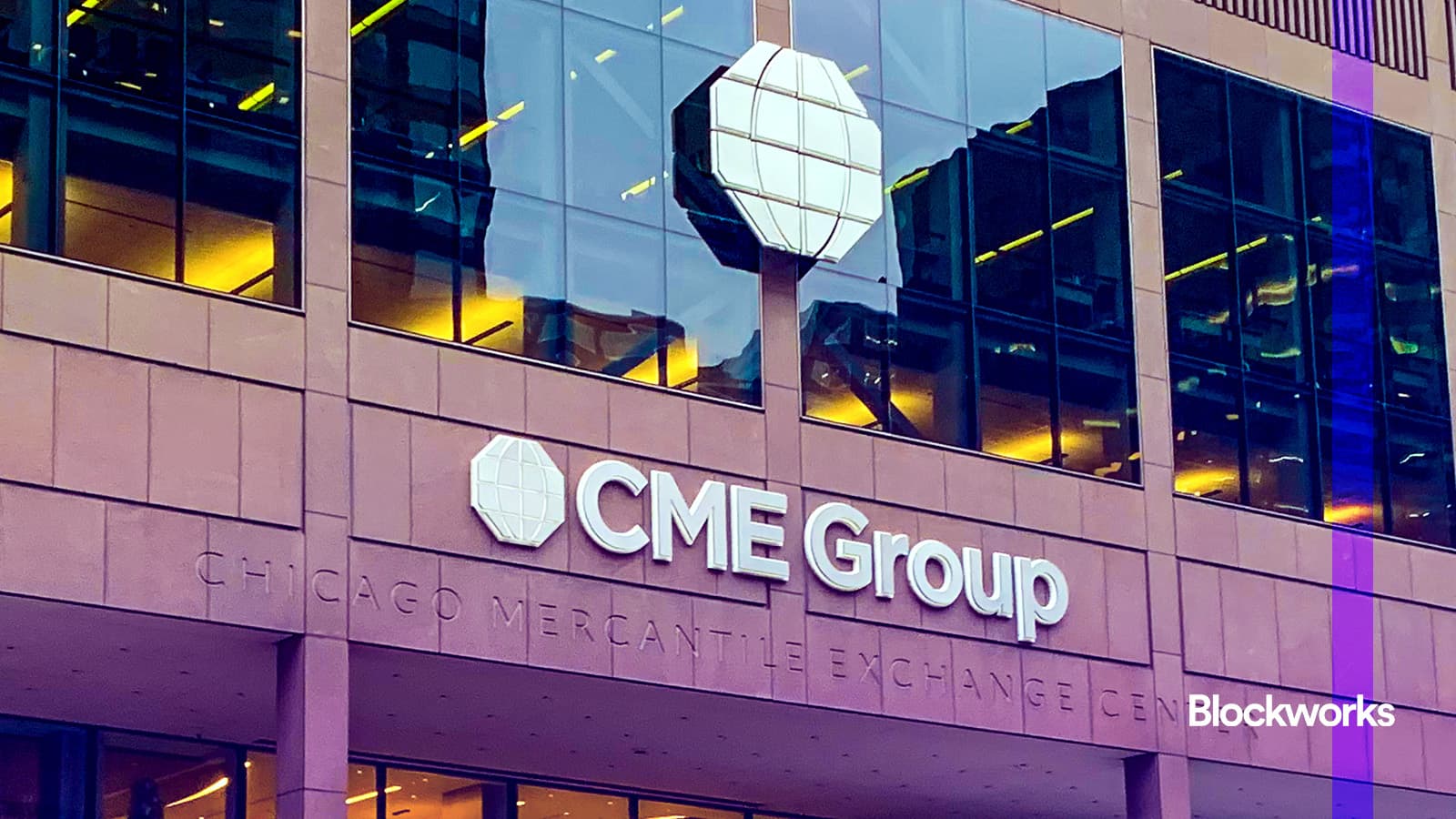
CME Group to launch Solana and XRP futures options in October

CME Group to launch Solana and XRP futures options in October

The post CME Group to launch Solana and XRP futures options in October appeared on BitcoinEthereumNews.com. CME Group is preparing to launch options on SOL and XRP futures next month, giving traders new ways to manage exposure to the two assets.  The contracts are set to go live on October 13, pending regulatory approval, and will come in both standard and micro sizes with expiries offered daily, monthly and quarterly. The new listings mark a major step for CME, which first brought bitcoin futures to market in 2017 and added ether contracts in 2021. Solana and XRP futures have quickly gained traction since their debut earlier this year. CME says more than 540,000 Solana contracts (worth about $22.3 billion), and 370,000 XRP contracts (worth $16.2 billion), have already been traded. Both products hit record trading activity and open interest in August. Market makers including Cumberland and FalconX plan to support the new contracts, arguing that institutional investors want hedging tools beyond bitcoin and ether. CME’s move also highlights the growing demand for regulated ways to access a broader set of digital assets. The launch, which still needs the green light from regulators, follows the end of XRP’s years-long legal fight with the US Securities and Exchange Commission. A federal court ruling in 2023 found that institutional sales of XRP violated securities laws, but programmatic exchange sales did not. The case officially closed in August 2025 after Ripple agreed to pay a $125 million fine, removing one of the biggest uncertainties hanging over the token. This is a developing story. This article was generated with the assistance of AI and reviewed by editor Jeffrey Albus before publication. Get the news in your inbox. Explore Blockworks newsletters: Source: https://blockworks.co/news/cme-group-solana-xrp-futures
Share
BitcoinEthereumNews2025/09/17 23:55
U.S. OCC Allows Banks ‘Riskless’ Crypto Trading Role

U.S. OCC Allows Banks ‘Riskless’ Crypto Trading Role

The post U.S. OCC Allows Banks ‘Riskless’ Crypto Trading Role appeared on BitcoinEthereumNews.com. Key Points: OCC allows banks to act as agents in crypto trades. No crypto inventory is held by banks. Activities must comply with safety and legal standards. The U.S. Office of the Comptroller of the Currency issued Interpretive Letter 1188, allowing national banks to engage in “riskless principal” cryptocurrency transactions, as reported on December 9th. This guidance enables banks to act as agent brokers in cryptocurrency trades, highlighting a regulatory shift and potentially influencing institutional crypto engagement. OCC Grants New Role for Banks in Crypto Market The adjustment allows banks to serve their clients in the cryptocurrency market with added flexibility and confidence. It broadens financial intermediation activities available to banks with applicable safety and soundness requirements. Banks can now integrate into the growing crypto-asset space without directly handling or holding the assets. No high-profile individuals or organizations have directly commented on the letter. The lack of immediate reaction from notable figures or platforms suggests either satisfaction with status-quo compliance or the absence of perceived impact on the market status. “OCC describes the activity as ‘riskless principal crypto-asset transactions’ and confirms that a national bank may engage in such transactions ‘as part of customer-driven financial intermediation activities’ so long as the bank does not maintain a proprietary crypto position and complies with safety and soundness standards and laws.” OCC News Release on Interpretive Letter 1188 Bitcoin Holds Strong Despite Recent Regulatory Movements Did you know? The OCC’s regulatory approach, including Letter 1188, builds on earlier guidance beginning with Interpretive Letter 1170 in 2020, which allowed banks to offer crypto custody services. As of December 9, 2025, Bitcoin (BTC) maintains a price of $93,039.58, with a market capitalization of formatNumber(1857050434910.60, 2). Its 24-hour trading volume stands at formatNumber(56455834645.94, 2), reflecting a decrease of 4.98% over the same period, according to CoinMarketCap.…
Share
BitcoinEthereumNews2025/12/10 02:05